
The Non-Technical Person's Cheat Sheet for Getting AI to Sound Like You, Not a Robot
How to Make AI Writing Sound More Human: 6 Simple Techniques to Keep Your Voice, Style, and Personality


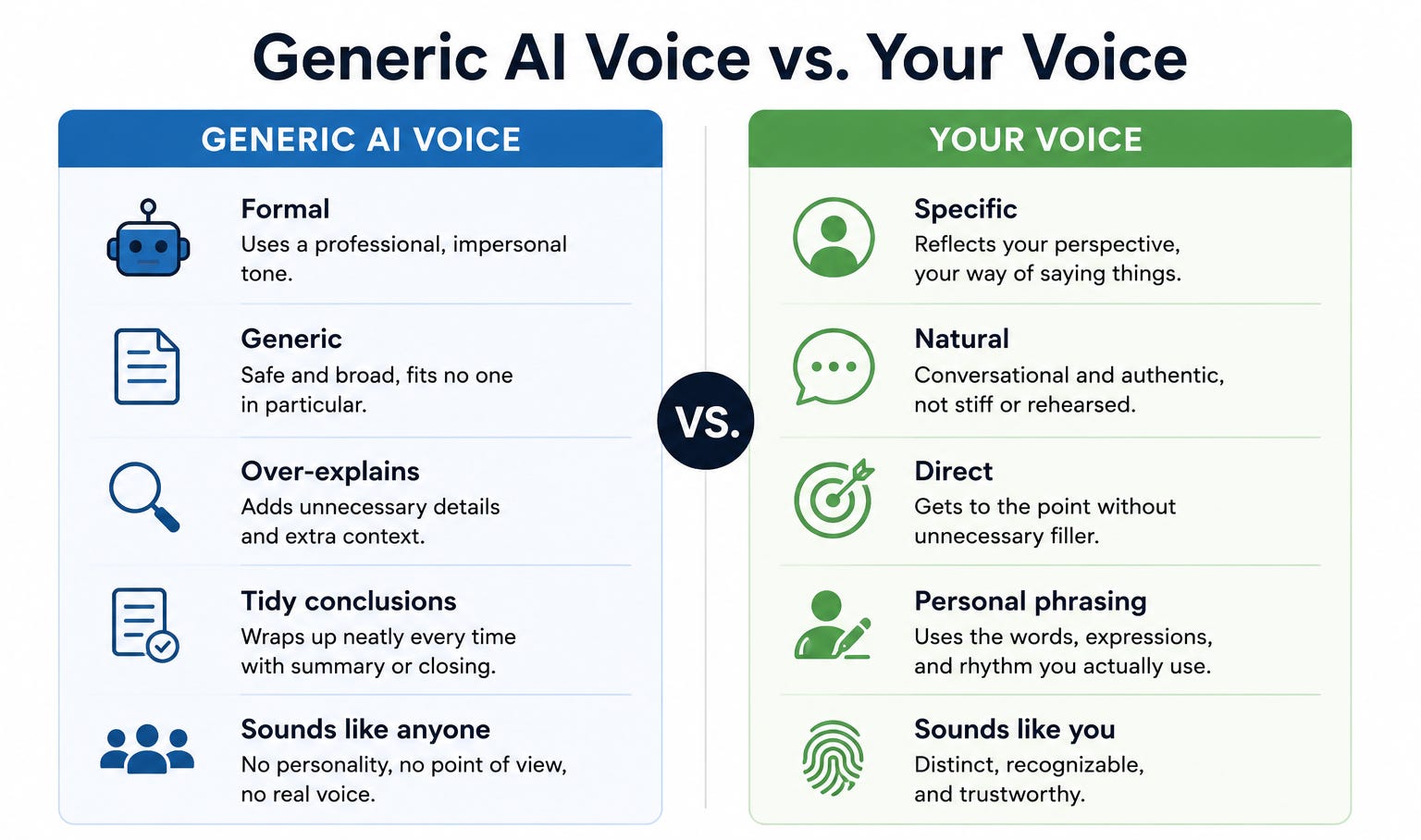
AI writing has a sound.
Once you have heard it enough times, you recognize it immediately: the slightly formal register, the unnecessary throat-clearing at the start, the way every paragraph wraps up a little too neatly, the absence of anything that sounds like a specific person having a specific thought.
Most people have read dozens of pieces written this way without knowing it, and most people have also sent things written this way without noticing that their own voice had been replaced by something that sounds like no one in particular.
The good news is that this is not a flaw in the tool. It is a flaw in how the tool is being used, and it is fixable without any technical knowledge.
AI defaults to a generic professional voice because that is the average of what it learned from, and because you have not told it to do anything different.
Once you do, the output changes substantially, and the techniques for telling it what to do are simple enough to remember without writing them down.
This is the cheat sheet.
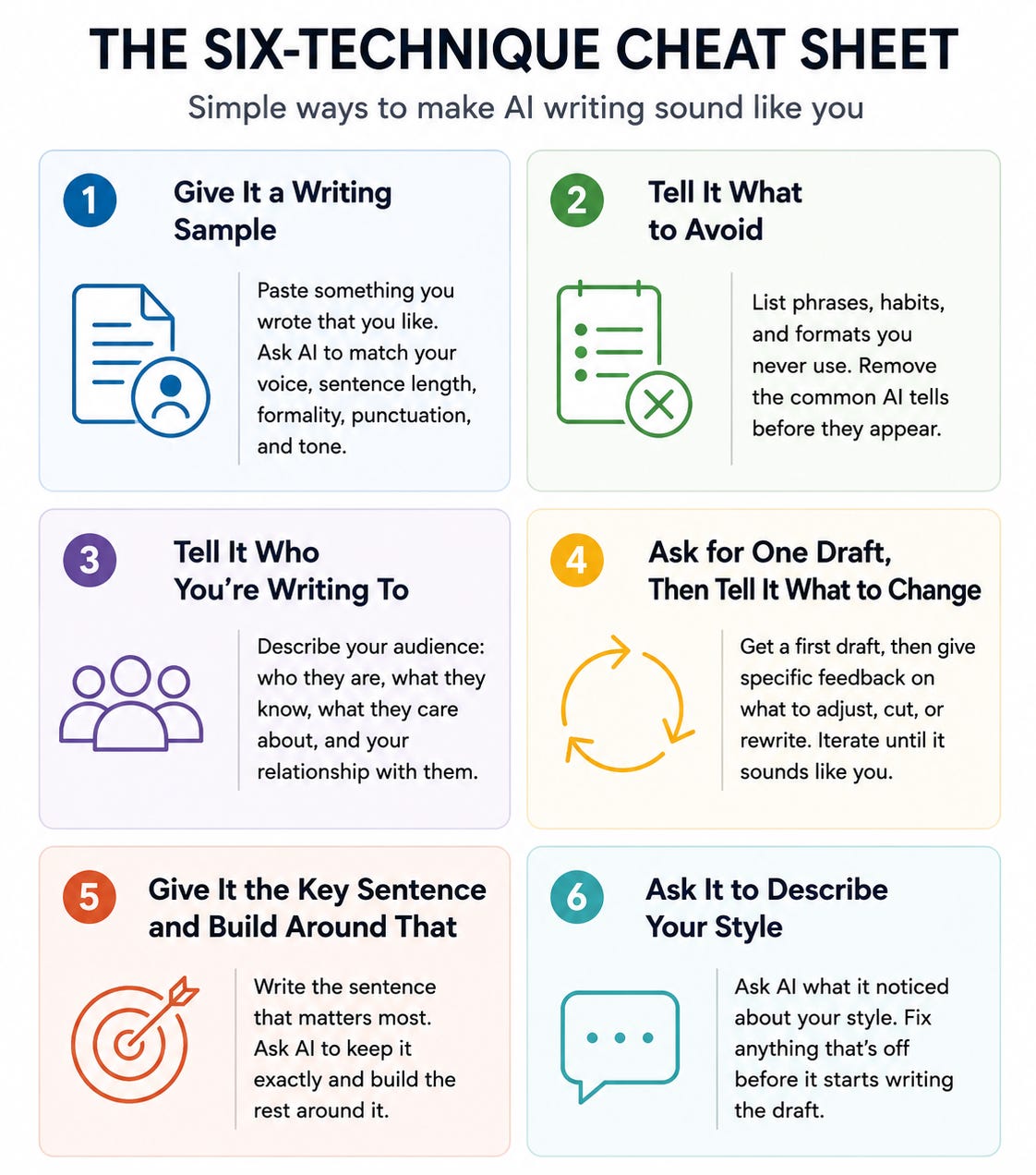
Six techniques, each one specific enough to use today, with the exact instruction to give the AI for each one. Use the ones that apply to whatever you are writing.
Technique 1: Give It a Sample of Your Own Writing First
The single most effective thing you can do before asking AI to write anything in your name is give it something you already wrote and ask it to match the style.
The instruction:
“Here is something I wrote recently: [paste a paragraph or two you are happy with]. Before we start, read this carefully. When you write for me, match this voice: the sentence length, the level of formality, the way I use punctuation, whether I use contractions, how direct I am. Do not write like an AI. Write like the person who wrote that.”
This works because it gives the AI a specific target rather than asking it to guess what your voice should sound like.
The model is good at pattern-matching to a sample. It is bad at inventing a voice from nothing. Giving it a sample removes the guessing and replaces it with a real example of what you sound like.
Use something casual if you are writing something casual. Use something professional if you are writing something formal.
The sample should come from the same register as what you are about to ask it to produce.
A paragraph from a formal report will not help if you are asking the AI to write a friendly email.
If you do not have a sample that fits, write a few sentences yourself in the voice you want, even rough ones, and use those.
A rough human sample beats no sample entirely.
Technique 2: Tell It Exactly What to Avoid
Generic AI writing has specific tells, and telling the tool which ones to avoid eliminates them immediately.
The instruction:
“When you write this, do not use the following: do not start with a summary of what you are about to say; do not use phrases like ‘in conclusion,’ ‘it is worth noting,’ ‘it is important to,’ ‘as an AI,’ or ‘certainly’; do not write bullet points unless I ask for them; do not add a closing sentence that wraps everything up. Just say what needs to be said and stop.”
Each item on that list is a specific AI habit that makes writing sound like no one wrote it. The opening summary is what AI does because it was trained on a lot of content that follows the tell-them-what-you’re-going-to-tell-them format.
The throat-clearing phrases appear constantly in AI output.
The tidy closing paragraph is AI’s way of signaling that it has finished its task. Telling it to skip all of these results in writing that starts where it should start, says what it has to say, and ends.
You do not need to use exactly that list. Add the specific things that bother you most. If you have noticed that AI always uses the word “crucial” or always ends with a call to action you did not ask for, add those to the avoid list.
The more specific you are, the more the output sounds like something a person would write rather than something a model was trying to produce.
Technique 3: Tell It Who You Are Talking To
Voice is not just about the writer.
It is about the relationship between the writer and the reader, and the AI has to know who the reader is to pitch the voice correctly.
The instruction:
“I am writing this for [describe your audience in one or two sentences: who they are, what they already know, what they care about, and the relationship I have with them]. Adjust the tone, the vocabulary, and the level of explanation to match that audience. Do not explain things they already know. Do not use vocabulary they would find too formal or too casual.”
The difference between writing for a close colleague and writing for a potential client is not just tone. It is sentence structure, word choice, what gets explained and what gets assumed, and how direct the writing can be.
AI defaults to a neutral middle ground that fits neither well.
Specifying the audience collapses that middle ground into something that actually fits the relationship.
This instruction works especially well for email, where the relationship between the writer and the reader is the entire context. “I am writing to someone I have worked with for two years and who appreciates directness and brevity” produces a different result from “I am writing to a client I have not met yet who may be skeptical about our proposal.”
Both are useful instructions. Neither requires technical knowledge to write.
Technique 4: Ask for One Draft, Then Tell It What to Change
One-shot prompting produces average output. Iteration produces output that sounds like you.
The instruction for the first draft:
“Write a first draft of [what you need]. Keep it short and direct. I will tell you what to adjust.”
Then, after reading the draft, tell it specifically what is wrong:
“The tone is too formal. Make it sound more like a person talking, not a memo. The third sentence is unclear, rewrite it more simply. The last paragraph is unnecessary, cut it. Keep everything else.”
Iteration matters because voice is partly about what you do not say, the words you would not use, the structure you would not reach for, the length you would not produce, and you often cannot specify those things in advance. You can only recognize them when you see them.
The first draft is the thing you recognize and correct.
The second draft applies your corrections.
The third is usually close enough.
The specific instruction “make it sound more like a person talking, not a memo” is worth keeping in your vocabulary for any draft that is technically correct but feels stiff. It almost always produces something closer to a natural voice in one step.
Technique 5: Give It the Key Sentence and Ask It to Build Around That
If there is one thing you specifically want to say, the way you want to say it, write that sentence yourself and ask the AI to build around it rather than replace it.
The instruction:
“I want this piece to include the following sentence exactly as written: [your sentence]. Build the rest of the piece around this, keeping my sentence as the anchor. Everything else should sound like it was written by the same person who wrote that sentence.”
This keeps your voice in the piece in the most literal way possible: your actual words, in the piece, surrounded by writing that matches them.
The AI takes its cue from what you wrote rather than inventing the voice from a description of it.
This technique is especially useful for pieces where you know the one thing you want to say but not how to say everything around it, or where you have a particular phrase you care about and do not want the AI to water it down or rephrase it away. Your sentence sets the register.
The AI fills in the structure.
It also works as a quality check.
If the writing around your sentence sounds noticeably different from your sentence, the AI has not matched your voice and you can tell it so directly: “The paragraph you wrote around my sentence sounds different from my sentence. Make it match.”
Technique 6: Ask It to Read Back What It Noticed About Your Style
Before a long writing session with a particular voice requirement, ask the AI to describe what it thinks your voice is before it writes anything.
The instruction:
“Read the sample I gave you and tell me, in your own words: what does my writing style sound like? How formal is it? How long are my sentences? Do I use contractions? Am I direct or discursive? What words or phrases do I seem to favor? What should you avoid to make sure you do not sound like a generic AI?”
The AI’s description of your style tells you two things.
First, whether it has actually understood your sample or is pattern-matching to something else. If the description does not sound like you, the sample was not clear enough or was not representative, and you should swap it for a better one before starting.
Second, it commits the model to a set of style rules it has named itself, which tends to make it follow them more consistently than rules you imposed externally.
If the description is wrong in a specific way, correct it before writing starts: “You said my writing is formal, but it is not. It is casual and uses contractions frequently. Adjust your understanding and write accordingly.”
This takes one extra exchange and prevents several rounds of editing at the end.
The Short Version to Keep
If none of the techniques above sticks and you want one thing to remember, here it is:
Before you ask AI to write anything in your voice, paste in something you already wrote, tell it who you are writing to, and tell it three things you never say. Those three inputs alone, a sample, an audience, and a short avoid list, produce substantially more human-sounding output than the default every time.
The robot voice is what happens when the AI has nothing to work from except a generic request. Give it something specific to work from, and it stops sounding like a robot.